 QORPO
QORPOAI-generated game icons: review them at the size players use
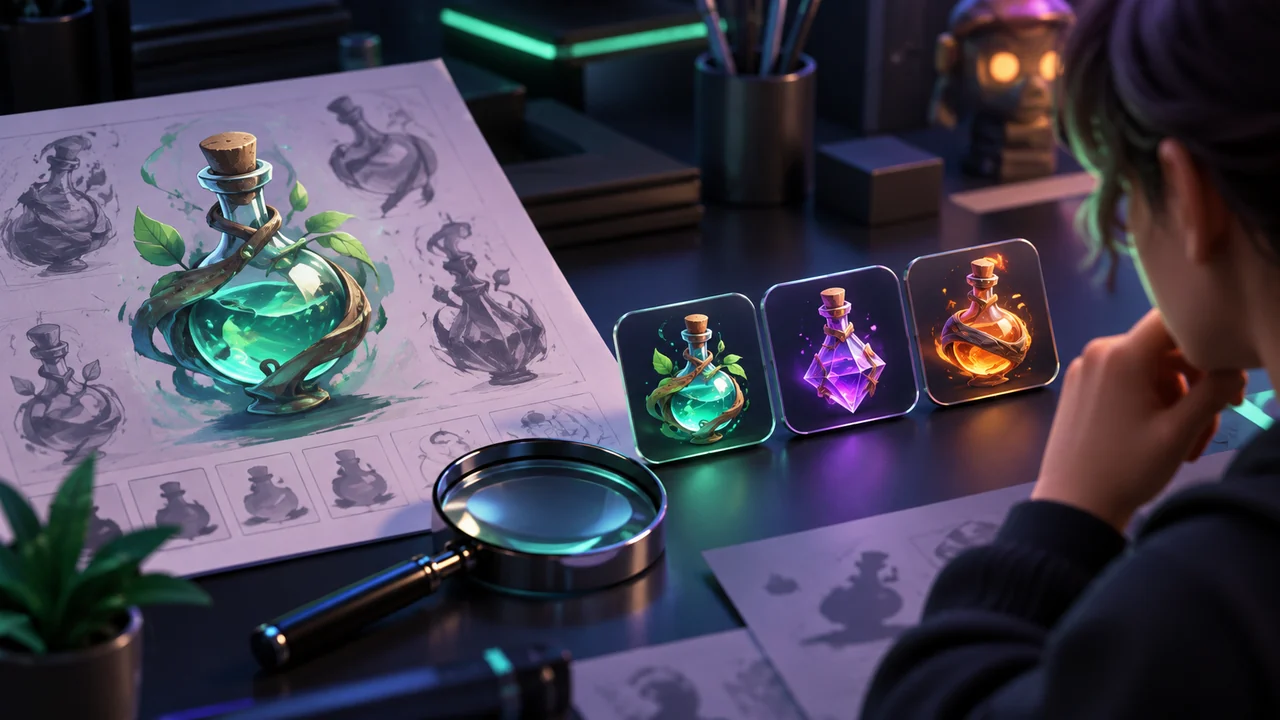
Review an AI-generated game icon at the size and background where players will use it before approving the large source image. The practical question is whether someone can distinguish the item, state or action from nearby alternatives during play. Detail visible only in the art folder cannot answer that question.
This is a proposed review for one small set of inventory icons. It is not a claim about a shipped QORPO asset pipeline, a guarantee of accessibility or a recommendation to replace an established art style with generated illustrations.
Define the job before writing the prompt
Imagine a hypothetical game with three healing supplies: a small recovery item, a stronger recovery item and an antidote. Their icons must help a player choose the right item. Producing three attractive bottles is not enough if all three become the same silhouette in the inventory.
Write the distinction in the brief before generating anything. Decide what must remain recognisable, which shapes belong to the game's existing visual language and which labels accompany the art. Keep the effect of the item in its actual text description rather than relying on a visual metaphor alone.
Also record intended uses. An inventory tile, a quick-wheel slot and a pickup notification can have different available space. A single approved export does not automatically work in each context. This is the same end-to-end discipline used in our input action review.
Build a contact sheet at real display sizes
Put the candidate icons beside the neighbouring items they will appear with. Include the intended tile background and any selection border, rarity treatment or quantity label. Review the combined result rather than six isolated images on a neutral canvas.
For the hypothetical supplies, ask a reviewer to select the antidote without enlarging the screen. Then ask them to explain which visible cue guided the decision. If they relied on a tiny leaf that disappears in another layout, the distinction needs work.
The aim is not to establish a universal minimum pixel size. Display density, scaling, viewing distance and the rest of the interface affect the result. Choose test configurations from the product's actual supported environments and record them so another person can reproduce the review.
Separate artwork problems from scaling problems
An unreadable icon can have several causes. The source may contain too much fine detail. The interface may shrink an otherwise clear shape. A crop may remove the important edge. A state overlay may cover the feature that distinguishes one item from another.
Change one cause at a time. First compare the candidate and the approved neighbouring art under the same layout. Then inspect the export and rendering configuration. Avoid repeatedly regenerating a source image when the actual problem is the way the widget displays it.
Epic's DPI scaling documentation explains that UMG supports configurable scaling rules and curves. That is a reason to test the configured interface, not evidence that choosing one rule guarantees legibility.
Check more than the default state
Return to the three supplies. View them unselected, selected, unavailable and beside a quantity label. Compare them against both a quiet panel and a busy gameplay background if the design allows that background through.
A glow that looks helpful on an empty canvas can erase edges when selected. A disabled treatment can make distinct colours converge. The design may need a stronger shape difference, a clearer label or a different overlay rather than brighter colours.
Review the names as well. A translated label may occupy more space than the original. Keep the full intended meaning available in the product's supported interface. Do not solve a crowded layout by silently removing the information a player needs to choose safely.
Keep the accepted version reproducible
Save the prompt, generated source, chosen revision and export settings with the asset record. Note any human edits and the rights review required by your organisation. Keep rejected versions out of the approved asset directory so they cannot accidentally reappear in a build.
Record the concrete result: which icons were confused, in which state and at which configuration. After a change, repeat that case. A general comment such as “looks better” is less useful than evidence that a reviewer can now distinguish the intended alternatives.
Our texture import review and AI code review apply the same principle to other assets: generated output is an input to production review, not the final proof of readiness.
Common questions
Should every icon be generated separately?
The production method is a choice for the art team. The review still needs to assess consistency across the whole set. Separate generation does not remove the need for a shared shape, material and lighting language.
Is a successful small-size review an accessibility certification?
No. It checks a limited task in recorded conditions. Broader accessibility evaluation needs additional users, contexts and methods. Keep the result specific to what was actually tested.
Sources and next step
Read Epic's DPI scaling guidance, then create a small contact sheet from one real interface state. This article's supplies and review sequence are original hypothetical examples. Explore QORPO's development work for the studio context; no savings, shipping status or measured player outcomes are claimed here.