 QORPO
QORPOAI-assisted animation: a retargeting review before Unreal gameplay
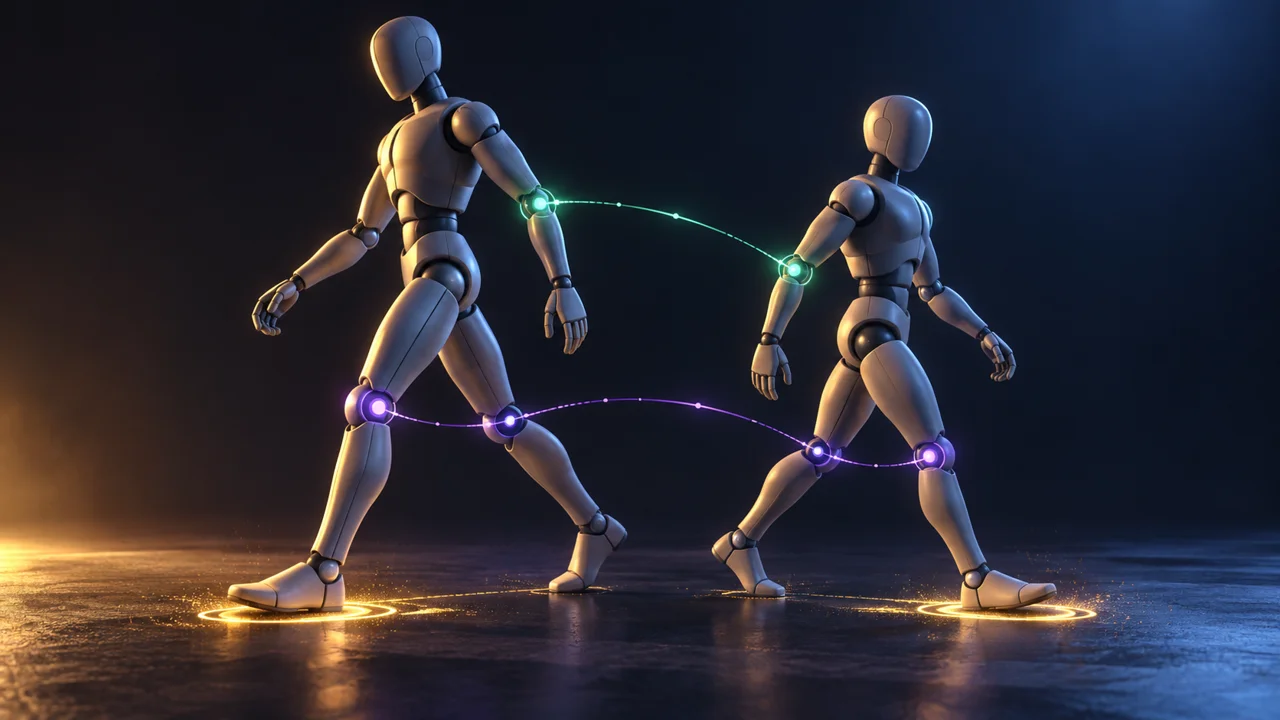
Before an AI-assisted animation enters gameplay, review the source motion, target rig, contact points, movement handling and transitions in the actual character setup. Retargeting transfers motion between characters, but a successful export does not establish believable movement or usable controls. Approve the result against a clear animation brief and repeatable in-game checks.
A walk cycle can look convincing in a small preview and still feel wrong when the player stops, turns or approaches a ledge. The feet might slide, the body might drift away from its intended position, or the hands might miss an interaction target. A better generation prompt cannot answer every integration question.
This is an original proposed review workflow for AI-assisted motion, captured motion and library animation. It is not a description of an implemented QORPO animation pipeline, a benchmark of AI production savings or a claim about released AneeMate mechanics. Its model examples are fictional.
Define what the animation must communicate
Start with the player's view rather than the animation file. Is this motion meant to show a deliberate interaction, a fast direction change or a relaxed idle? What should be readable before the player understands the full scene?
Write down the expected action, viewing distance, target character and movement arrangement. Include whether the character is intended to move through the world during the clip or perform it in place. The animator and gameplay engineer should be discussing the same outcome before either starts changing settings.
Add a small list of rejection conditions. A foot moving during an intended planted moment, an elbow passing through the torso or a hand missing a required contact point is easier to investigate than “the animation feels AI”. Keep aesthetic direction and technical acceptance related but distinct.
Review the source before blaming the target rig
Watch the source motion at normal speed, then inspect the moments where weight, contact or direction changes. Look for distracting discontinuities and movements that do not serve the action. Slow playback is useful for diagnosis, but the final decision also needs the intended playback speed.
Keep the original source and its provenance. Record which tool produced or processed it, the available version information, the relevant permissions and any edits. Do not overwrite the only source with a cleaned export. A later revision may need to distinguish an original motion problem from a problem introduced during processing.
Choose representative clips rather than approving an entire batch from one example. A short idle and a large directional change make different demands. If a clip is rejected at source review, there is little value in hiding its problem through increasingly complex target-specific corrections.
Establish the source and target relationship
Epic's IK Rig Retargeting documentation describes transferring animation between skeletal meshes through IK Rigs and retargeting chains. The system can accommodate differences in bone counts, names and orientations, with optional IK contact handling. That capability does not mean arbitrary characters will share an identical performance.
For your review, record the source and target rig assets, relevant retarget pose and the clip revision. Inspect the target's proportions and intended posture. Avoid changing several rigs and the source motion simultaneously, because a better-looking result will be difficult to explain or reproduce.
Create a baseline export before cleanup. Save a short comparison from the same camera. This is a record of the candidate, not evidence that the candidate meets your quality bar. Name the exact issues you intend to improve in the next revision.
Treat foot contact as a specific problem
Epic's foot-sliding guide explains that proportion and stance differences can produce sliding after retargeting. Its Speed Planting workflow uses IK goals to hold feet during appropriate stationary periods. Follow the prerequisites and settings for the engine version and character involved, rather than copying example values indiscriminately.
Before selecting a correction, identify the intended contact interval. Is the foot meant to bear weight, pivot, lift or slide as part of the action? A correction that freezes the wrong moment can change the performance instead of improving it.
Original model example: a short courier character. A fictional team transfers a human walk cycle to a character with shorter legs. The target's feet drift during moments intended to look planted. Reviewers mark those intervals, compare the retarget setup and adjust the candidate. They then replay the whole cycle to check that a local correction has not created a visible knee snap. This example reports no production result or universal fix.
Agree how motion reaches the character
Epic's Root Motion overview distinguishes animation containing root movement from movement actually applied to the character. Root Motion requires suitable animation data and configuration; its extraction mode matters. This is a separate decision from whether the retargeted mesh looks attractive in a preview.
Have the responsible engineer identify how the tested action is supposed to move the character. Do not switch movement approaches only because a particular clip looks better under one preview setting. That choice can affect behaviour outside the clip, and it needs review within the game's architecture.
Record the expected start and end positions for a small test action. Compare the visible body with the character's collision representation where the tooling permits it. If they diverge, report what happened and when before suggesting a blanket setting change. A movement problem and a retarget pose problem may need different owners.
Check transitions at the player's camera
Play the motion as part of an actual sequence: idle, begin moving, perform the relevant action and return to control. A clean loop does not establish a clean entrance or exit. Test interruption only where the design intends interruption to be possible.
Review hands, feet, silhouette and timing from the gameplay camera. Cinematic close-ups can reveal useful detail, but they should not replace the player's normal perspective. Conversely, a problem hidden at a distant camera may still matter in a close interaction.
Keep the environment simple enough to understand the result. Then add the surfaces, slopes or obstacles relevant to the intended action. This is a staged review proposal, not a guarantee that a flat-floor pass predicts all terrain behaviour. Record any scenario that remains untested.
The distinction between a convincing isolated asset and a working game component also appears in our AI texture import checklist. An attractive preview is one piece of evidence, not the whole approval.
Make revisions and approval traceable
A useful review note identifies the clip, source revision, target rig, retarget configuration, engine build and tested action sequence. Attach a short recording with named problem intervals. That gives another person a route to reproduce the issue instead of asking them to judge an unexplained video.
Split feedback into source cleanup, retarget setup, gameplay integration and artistic direction. One issue can cross categories, but the first investigation should have an owner. “Fix the knees at the contact change” is more useful than requesting another general polish pass.
If automated checks exist, use them for stable rules such as missing references or absent metadata. Do not let a successful export become an automated artistic approval. People still need to assess whether the movement fits the character and supports the action.
Evaluate the whole workflow before claiming efficiency
If the goal is to compare AI-assisted production with another workflow, track source preparation, generation, cleanup, integration, review and rework. Compare similar tasks and similar acceptance criteria. A short generation step does not establish a shorter production cycle.
Keep that measurement separate from this guide. No timings, cost reductions or QORPO performance outcomes are asserted here. Our AI-generated code review guide uses the same principle of checking the resulting work rather than treating its origin as proof of readiness.
Frequently asked questions
Can retargeting remove the need for animation cleanup?
Sometimes a candidate may need little correction, but that is a result to observe. Retargeting capability alone cannot establish that contacts, performance and gameplay transitions meet a project's requirements.
Is every sliding foot a retargeting problem?
No. Inspect the source clip and gameplay movement arrangement as well as the retarget setup. This workflow deliberately avoids assigning the cause from a single symptom.
Does using AI mean the motion is production ready sooner?
Not automatically. Measure the complete accepted workflow, including rejected candidates and rework. This article contains no savings benchmark.
Continue the production review
Explore QORPO's development articles and our discussion of prototype versus production readiness. Use the review to turn a vague motion complaint into an action that the animator and engineer can inspect together.
Sources checked on 23 October 2026. Epic documentation is linked beside technical statements. The workflow and fictional example are editorial proposals, not reports of a shipped game pipeline.