 QORPO
QORPOUnreal physics props: compare the same action at different frame rates
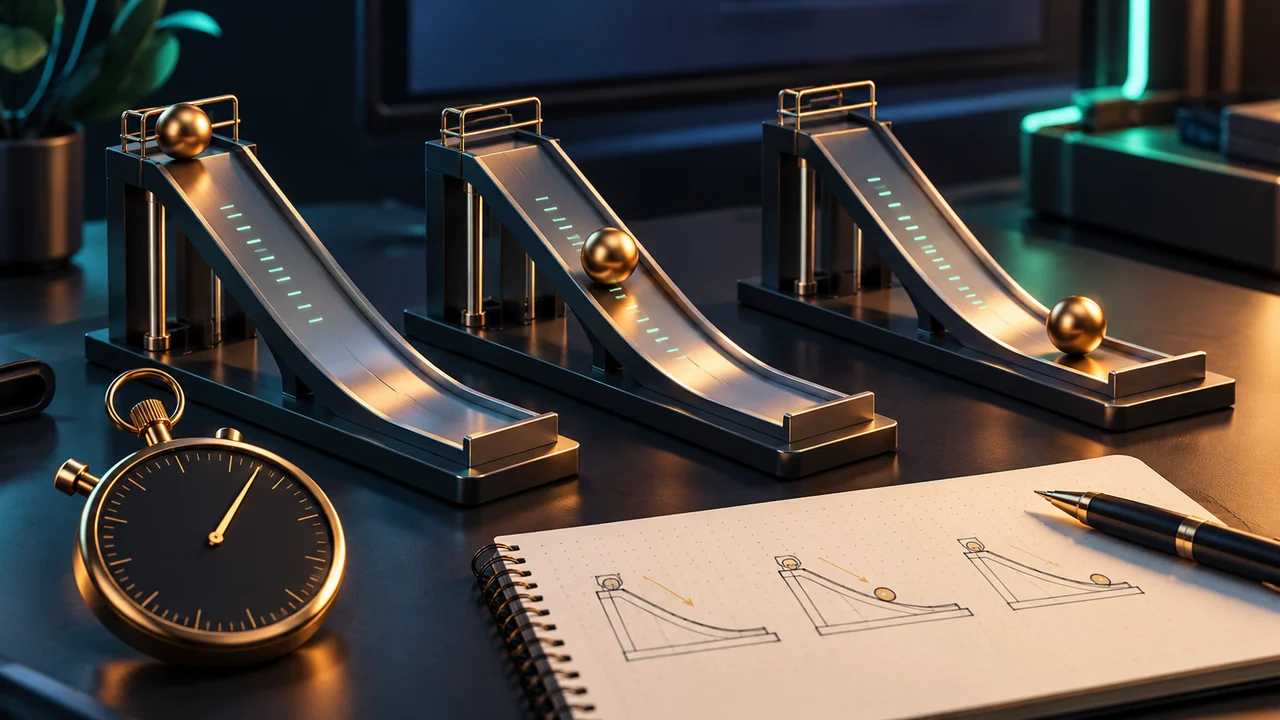
To check a physics prop across frame rates, repeat the same starting state and interaction while changing only the chosen frame-rate condition. Record the engine version, build and physics settings with each observation. Look for differences that affect the player's action, and measure the cost of a proposed adjustment before calling it an improvement.
This is a bounded test design for one prop. It is not a QORPO benchmark or a universal Unreal configuration. Epic's current physics sub-stepping documentation explains that smaller simulation steps can improve stability at a CPU cost. That tradeoff needs a concrete scene and observation rather than a setting copied from an unrelated project.
Choose an interaction that matters
Begin with one action: pushing a movable object, dropping a prop into a container or moving a physics-driven part through its useful range. Define what the player should be able to do. A decorative object settling slightly differently may matter less than an object failing to remain where the player needs it for a puzzle.
Keep the starting state repeatable. Record the object's placement, relevant physical configuration and the input that starts the action. If the starting orientation changes every time, a different final position does not establish a frame-rate problem. The comparison needs enough control to distinguish a changed condition from a changed setup.
Frame-rate labels are not the whole experiment
A named frame cap records an intended condition. Keep evidence of the actual frame timing during the interaction as well. A nominally high-rate test that includes an interruption may not resemble a stable high-rate run. Describe the condition you observed, not only the number entered in a settings field.
Do not treat a frame cap, a fixed simulation timestep and sub-stepping as interchangeable ideas. This article does not prescribe a particular combination. Record the relevant project settings, consult documentation for your engine version and change one candidate setting at a time when investigating a difference.
For the wider distinction between a measured interruption and its visible symptom, see our AneeMate camera-development review. The same discipline applies here: the observation should lead the investigation, rather than a favourite technical explanation leading the evidence.
Model example: a ball on a ramp
Imagine a small prototype ramp, a ball released from a marked position and a receiving tray. This is a fictional test scene, not an announced QORPO mechanic. The useful question is whether the interaction still produces a usable result under the chosen frame-rate conditions, not whether every tiny movement is visually identical.
Reset the scene before each attempt. Use the same release action and record whether the ball reaches the tray, catches at an edge or leaves the intended area. Keep the recording and relevant timing data together. Label the attempts so another reviewer can match each clip to its configuration.
If the low-rate attempt differs, repeat that condition before changing the prop. A single variation is a reason to investigate, not a reliable failure rate. If the result cannot be reproduced, keep the first observation and say so. Do not manufacture a neat success percentage from an informal demonstration.
Compare one proposed adjustment
Suppose the investigation leads to a sub-stepping adjustment. Preserve the original configuration and repeat the same action with the candidate configuration. Observe both the player-facing result and the cost relevant to the target hardware. A more stable prop can still be an unsuitable change if the broader scene becomes too expensive.
Epic also notes that collision callbacks can require care with sub-stepping. An apparent repeated event should be investigated with the actual event flow rather than assumed to be repeated physical contact. Keep gameplay consequences, such as a sound or score response, separate from the visible motion while reviewing the result.
Our performance testing coverage discusses a different source of interruptions. It is useful context, but a shader-related investigation does not replace a physics comparison. Keep the issue-specific evidence small enough that its cause remains inspectable.
Handoff the useful result
The review record should state the action, tested conditions, observed difference and proposed next step. Include the engine version and relevant build. A statement such as “the object missed the tray in this recorded attempt under this configuration” is more useful than “physics is broken at low FPS.”
If the change is accepted, repeat the important interaction in the packaged build used for validation. Preserve the remaining uncertainty: one prop and one scene do not establish every physics interaction's behaviour. The visual-report guide explains how to package the evidence without losing the starting conditions.
Common questions
Does sub-stepping guarantee identical outcomes?
No guarantee is made here. The official documentation describes a stability and cost tradeoff. Use a repeatable interaction to evaluate the behaviour that matters to your game.
Should every project copy one recommended configuration?
No. This article supplies a comparison method, not a universal settings preset. Engine version, scene complexity and the intended platform affect the decision.
Where should a team begin?
Choose one important prop interaction, preserve its starting state and compare a small set of conditions. Read QORPO's development articles for related production checks and Epic's primary sub-stepping reference before changing the project configuration.