 QORPO
QORPOA visual game bug needs the moments before the screenshot
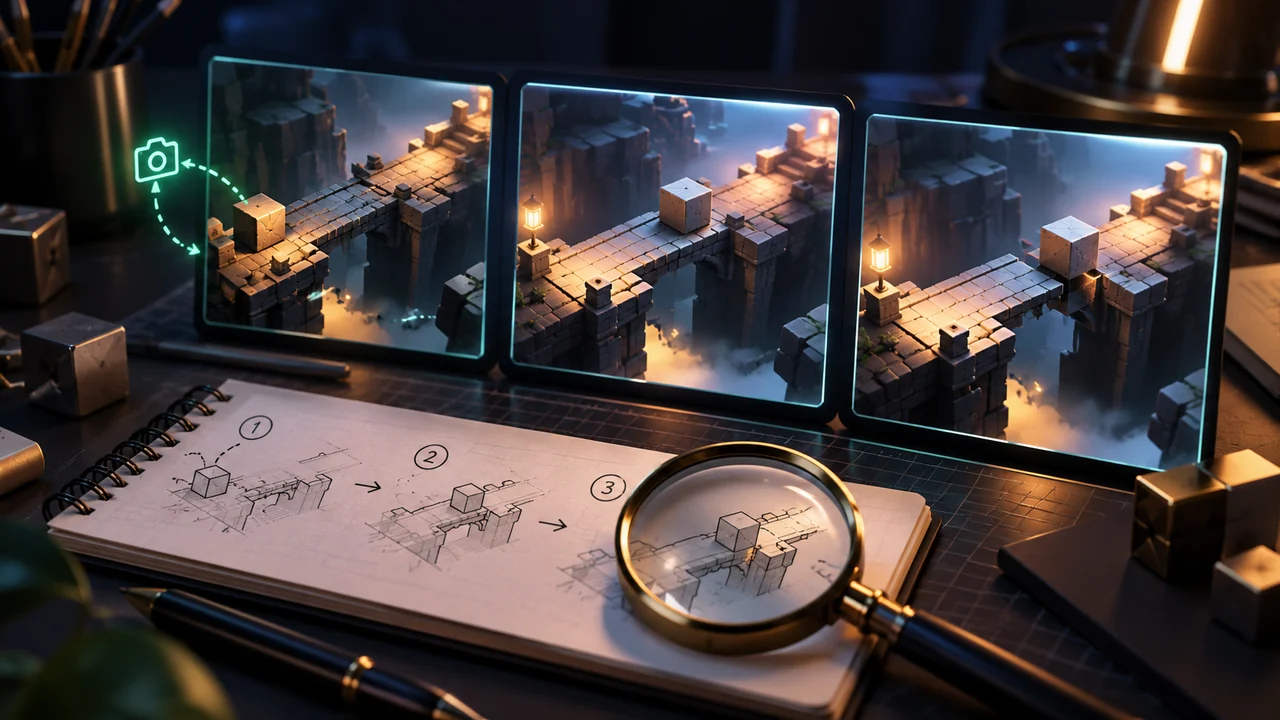
A useful visual bug report captures how the scene reached the broken state, not only the final image. Include the build, location, settings, short reproduction steps and the difference between expected and observed behaviour. When possible, add a brief recording that begins before the problem appears and preserves the relevant interface context.
This guide proposes a small evidence packet for a rendering or layout problem. It is not a diagnosis of a current QORPO game defect. Engine problems and problems in a particular game also have different owners. Epic's current Unreal Engine issue-reporting destination is a starting point for engine issues; use the game's own support route for a packaged game's behaviour.
Keep the first useful observation
Before changing settings, write down what you were doing. A missing object after loading a save is different from an object disappearing when the camera crosses a doorway. The final frame might look identical. The action immediately before it often gives the next investigator a better starting point than a long list of suspected causes.
Take one image with enough context to identify the location and state. If a UI panel is cropped, keep its surrounding frame and nearby controls visible. If a character looks wrong, include the environment and camera angle. An additional close-up can show detail, but it should accompany the contextual image rather than replace it.
Describe the visible failure without guessing the cause
Write “the lower half of the item image is outside its card” before writing “the texture streaming system is broken.” The first statement can be checked from evidence. The second requires investigation. A clear report gives the developer permission to discover a different cause without first undoing the reporter's assumption.
For the same reason, distinguish a temporary loading transition from a persistent failure. Record whether the image appeared later, whether a scene reload changed it and whether it happened on a second attempt. If repeating the action could lose progress, stop and describe the first occurrence instead. Reproducibility is useful, but a destructive experiment is not required from a player.
Model example: an inventory card after resizing
Imagine a prototype inventory in which an item portrait becomes a narrow vertical strip after the window is resized. The original image is still present, but the layout gives it the wrong space. This is a fictional example designed to show report structure, not an account of a tested QORPO build.
The report might say: open inventory, choose the first category, reduce the window width, then reopen the same category. Expected: the full card remains readable. Observed: the portrait occupies a thin strip and the action label wraps across several lines. Add the original and resized window dimensions, plus one recording of that sequence.
This report makes the trigger inspectable. A screenshot of only the portrait would not show that resizing was involved. A claim that “all images are corrupted” would be broader than the evidence. Start with the smallest accurate statement, then expand it if later checks demonstrate a wider problem.
Record settings that can change the result
For a UI failure, useful context can include display resolution, interface scale, input device and language. For a world-rendering issue, record the graphics preset and any setting changed immediately before the failure. Do not paste every possible hardware detail into the headline. Put the short description first, with relevant configuration in a separate note.
The build-check guide explains why the installed version matters. A developer cannot reliably compare a report with a fix if the platform or build is unknown. Where a build identifier is unavailable, say that directly and provide the platform and approximate update time instead of inventing one.
Give the next person a starting state
List the minimum steps you actually performed, in order. Mark any step you only suspect matters. State whether you started from a fresh session, an existing save or a previous activity. If the issue involves another player, describe the relevant roles without posting private account details or an active invitation code publicly.
Attach logs or saves only through the appropriate support route when requested. Review files for personal information before sharing them. A public screenshot can unintentionally expose chat, account identifiers or desktop notifications. Keep the evidence needed for diagnosis, while removing unrelated personal material from a copy.
For deeper investigation methods, see network-emulation testing and save migration and recovery testing. Those articles cover specific test contexts. The report format here is the common handoff before choosing a technical investigation.
Quick reporting questions
What if the bug happened only once?
Report it as a single occurrence. Give the exact observed sequence and any available evidence. Do not turn one occurrence into a claimed frequency or keep repeating an unsafe action merely to produce a number.
Is a recording always better than a screenshot?
A recording helps when timing or a transition matters. A clear screenshot can be enough to demonstrate a static layout problem. Use the smallest useful evidence packet and describe what it establishes.
Where should the report go?
Use the relevant game's support channel for game behaviour. Use official engine reporting for a suspected engine issue after checking that distinction. Follow QORPO's studio coverage for development context, while remembering that a repository change alone does not prove a player's installed build contains a fix.