 QORPO
Testing an AI-assisted Unreal footstep notify
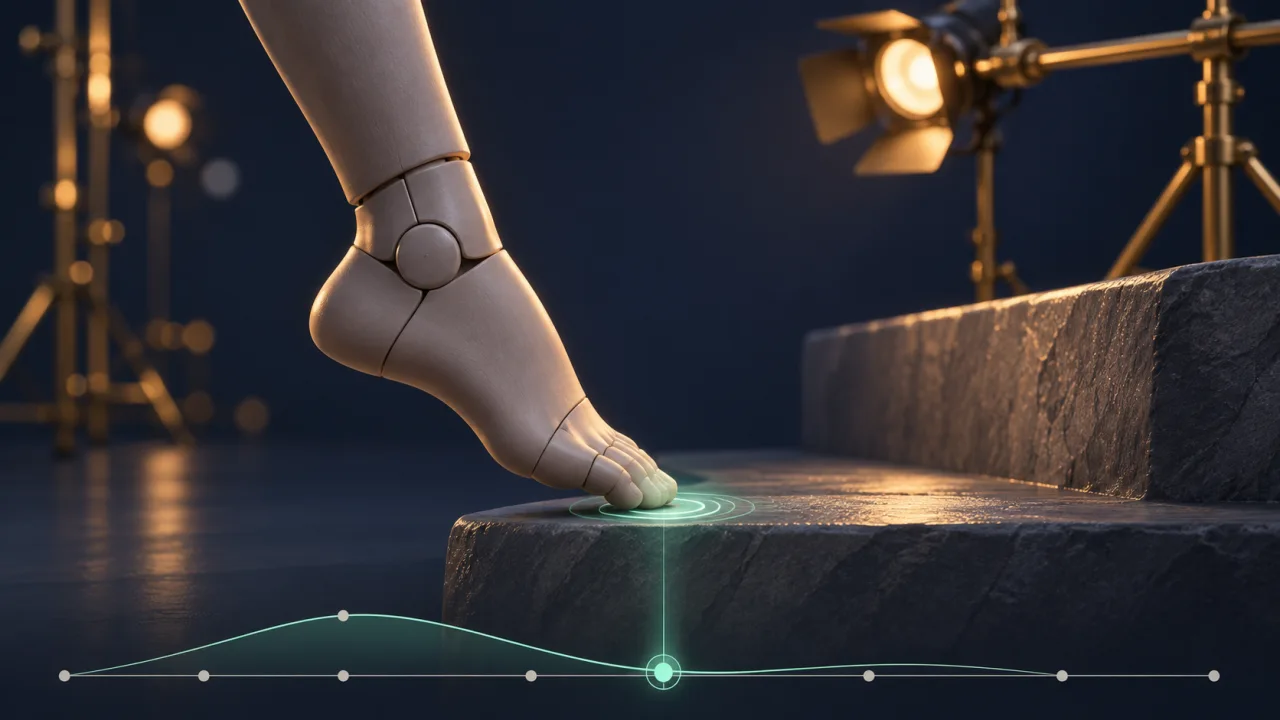
Check an Unreal footstep notify against the visible foot contact during actual playback, then repeat the check when the animation is interrupted or restarted. A marker placed plausibly on a timeline does not establish that the resulting sound or effect lands at the right moment in play.
This guide proposes a narrow review for an AI-assisted change: one character, one surface and one footstep response. It does not report a test executed in a QORPO game.
Define the event you expect
Start with an observable contract. For a model walk cycle, the left foot contacting a stone floor should produce one intended footstep response near that visible contact.
Write down what the response includes. If it is a sound, record which sound is expected. If it is a small particle effect, identify the effect and where it should appear.
Keep this first case simple. Surface-dependent variation, footwear changes and networked playback can be added after the basic sequence is understood. Adding them all at once makes a timing failure harder to isolate.
Inspect the animation and its event
Epic’s Animation Notifies documentation explains how events can be synchronized with animation sequences. Inspect both the notify placement and the actual response it triggers.
An assistant may place a marker at a reasonable-looking frame while connecting it to an unexpected handler. Conversely, the handler may be correct while the marker sits away from the visible contact.
Review the changed assets and code together. Our generated-code review guide explains why a plausible description is not enough to approve the resulting behaviour.
Compare the contact and the response
Use a fixed camera where the relevant foot is visible. Play the sequence at its intended rate and observe when contact and response occur.
A model recording can include a clear view of the foot and a sound track. If the response is visual, keep its spawn position visible rather than cropping tightly around only the character’s upper body.
Do not infer precise timing from memory after several repetitions. Capture a short example and compare the actual contact moment with the response. If a numerical offset is reported, explain how it was measured.
Test repeated playback
Let the animation repeat and count the responses associated with the chosen contact. Then stop and restart it.
A single good-looking step cannot reveal an unwanted response that appears only at the loop boundary. A restart can also expose a state assumption that ordinary continuous playback hides.
Keep the sound concurrency and effect setup stable during this check. If another system suppresses or combines responses, note that context instead of assuming the notify did not occur.
Include a normal interruption
Choose an interruption the product genuinely supports, such as changing from walking to an idle state. Observe the last contact before the transition and the first one after walking resumes.
The expected result depends on the design. A contact that never occurs should not be judged by the same expectation as a foot that visibly reaches the floor.
For a model case, record the transition and describe whether the response belongs to an actual contact. Avoid inventing a universal rule that every animation interruption must always fire or always suppress an event.
Use trace evidence when the cause is unclear
Epic’s Animation Insights guide describes tracing animation behaviour, including notify information.
A trace can help relate a visible problem to the animation state and event sequence. Select the relevant objects and channels, then keep the recording focused on the reproduction.
A trace entry and an audible result are different observations. If the event is recorded but the expected sound is absent, continue through the response path rather than moving the marker at random.
Review the step in the full scene
After the isolated sequence is correct, listen and look in the representative gameplay setting. A sound that is easy to identify in a quiet fixture may be lost in the mix.
Our sound-effects mix review covers that wider check. A timing correction should not be mistaken for a completed audio review.
Also inspect the effect from ordinary player distance. A large visual burst may make the event obvious during testing while being distracting during repeated movement.
What should the review record contain?
Save the build, animation, notify, handler and expected response. Include the camera view, playback conditions, loop and interruption cases, plus the actual observations.
If an assistant helped produce the change, keep its proposed explanation separate from the executed evidence. A useful review can say that one response matched one contact across the checked cases, while naming any remaining device or animation coverage.
The retargeting review is relevant when the source animation has also changed skeleton or proportions. In that situation, a previously sensible event time still needs to be checked against the new visible contact.
Explore QORPO Studio for the product context behind these practical reviews. The goal is a step that reads naturally during play, supported by a sequence the team can inspect again.