 QORPO
Unreal simple and complex collision: decide what must move before choosing the mesh
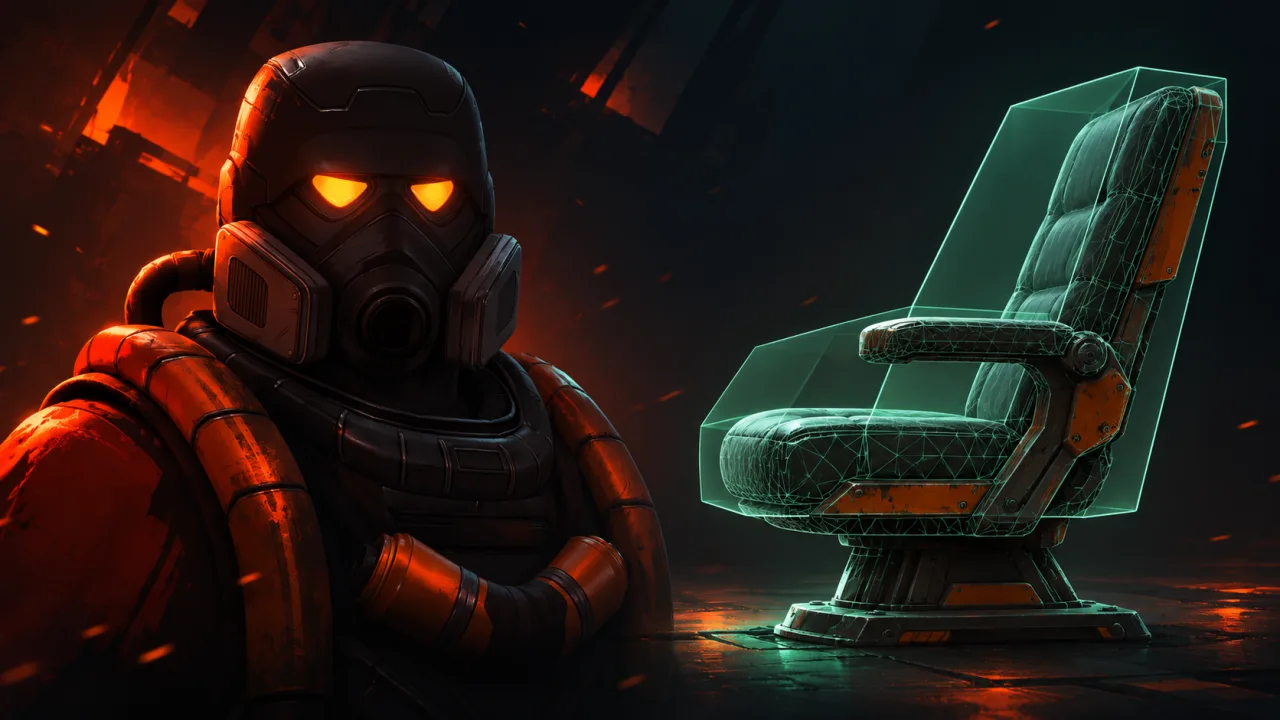
In Unreal, choose collision by asking what must move and which query must be answered. A detailed triangle surface can help a static object answer precise collision queries, but it is not an automatic replacement for the collision needed by a simulated moving object. Inspect the mesh's collision complexity setting before treating a visible surface as the physical surface.
A chair is a useful model example: its seat, back and legs make the difference easy to see. The procedure here is a proposed review exercise, not a performance result or a claim about a released One Life level.
Start with the object's job
Write down whether the chair is fixed scenery, a movable physics prop, or a visual mesh accompanied by a separate interaction region. Then list what should happen when a player approaches it, a small simulated object lands on it, and an interaction query points at it.
These are separate requirements. The chair can look correct, block the player incorrectly and still answer an interaction trace as intended. A single “collision works” check would merge those results and make the wrong fix seem successful.
For the model exercise, keep a stationary chair and a duplicate intended to simulate physics. Give them distinct test labels and identical visible geometry. This makes the intended difference explicit before any setting is changed.
Understand the two representations
Epic's simple versus complex collision reference distinguishes primitive or convex simple collision from the mesh's triangle-based complex collision. The complexity flag determines how requests use those representations.
A coarse hull can bridge an open seat or cover a gap between legs. That may be acceptable for one prop and wrong for another. The visible mesh alone cannot tell you which collision representation a particular request will use.
Inspect the collision display in the mesh editor and compare it with the object requirements. Describe the missing behavior concretely: “the small test object slides across the covered seat” gives the reviewer more useful information than “the mesh collision is bad”.
The simulation restriction matters
The same Epic reference states that a mesh using “Use Complex Collision As Simple” cannot itself be simulated, though it can collide with other simulated objects using simple collision. That restriction is central to the choice, not a minor tuning detail.
Do not recommend that setting indiscriminately for every mesh whose simple hull looks too coarse. If the object needs to move as a physics body, review suitable simple collision instead. If it is static scenery, consider whether the detailed surface is required for the actual interaction.
There is also no universal claim that the most detailed option is fastest or best. A valid choice depends on the mesh, the number of instances and the work being requested from it.
Build a comparison you can explain
Keep lighting, transform and visible geometry consistent between comparison cases. Change one collision decision at a time. Use an obvious small test body and repeat the same drop or approach so the result can be described.
Check the surface that matters. If the requirement concerns a usable seat, dropping an object on the chair's broad back does not answer it. If the requirement concerns walking beside a leg, testing only from the front misses the narrow passage.
This follows the same principle as our visual comparison guide: hold unrelated variables steady. The relevant variable here is the physical representation, not exposure or rendering quality.
When simple collision needs more care
A single box around the entire chair is easy to create, but ease of creation is not the acceptance criterion. Consider a small arrangement of appropriate simple shapes or a controlled convex representation when the object needs a more faithful physical outline.
Epic's static mesh collision setup guide documents editor collision tools. The automated collision setup documentation also explains convex decomposition controls and the need to review the resulting shape.
Automation should therefore produce a reviewable candidate, not replace visual inspection. Avoid running a broad collision replacement across unrelated assets before confirming that their physical roles are compatible.
Retest the queries that use the mesh
After changing the representation, rerun the player approach, the small-body contact and the intended interaction query. Record them separately. A fix for one path may alter another path that relied on the old setup.
If the query uses a project-specific channel or asks for a complex trace, include that in the record. Do not assume that a successful test with one request establishes the result of every other request.
Our AI-generated mesh review looks at player clearance. The NavMesh doorway review addresses navigation. Neither result substitutes for the physics and query checks described here.
Keep the outcome smaller than the claim
A useful result is specific: this mesh configuration met these contact and query expectations in this build and test setup. A broad statement such as “complex collision fixed the level” hides the objects and paths still untested.
If performance is relevant, compare a representative scene on the target hardware and record the measurement conditions. This article offers no numerical speedup. It also does not claim that a single chair fixture validates a multiplayer physics system.
Follow QORPO's development work for studio updates, and keep the collision choice attached to the object's intended behavior when reviewing the next asset.